Blog with latest news and updates
-
Simple History 5.36.0 shows what changed in a post edit in the log file and Copy as JSON, plus a round of fixes.
-
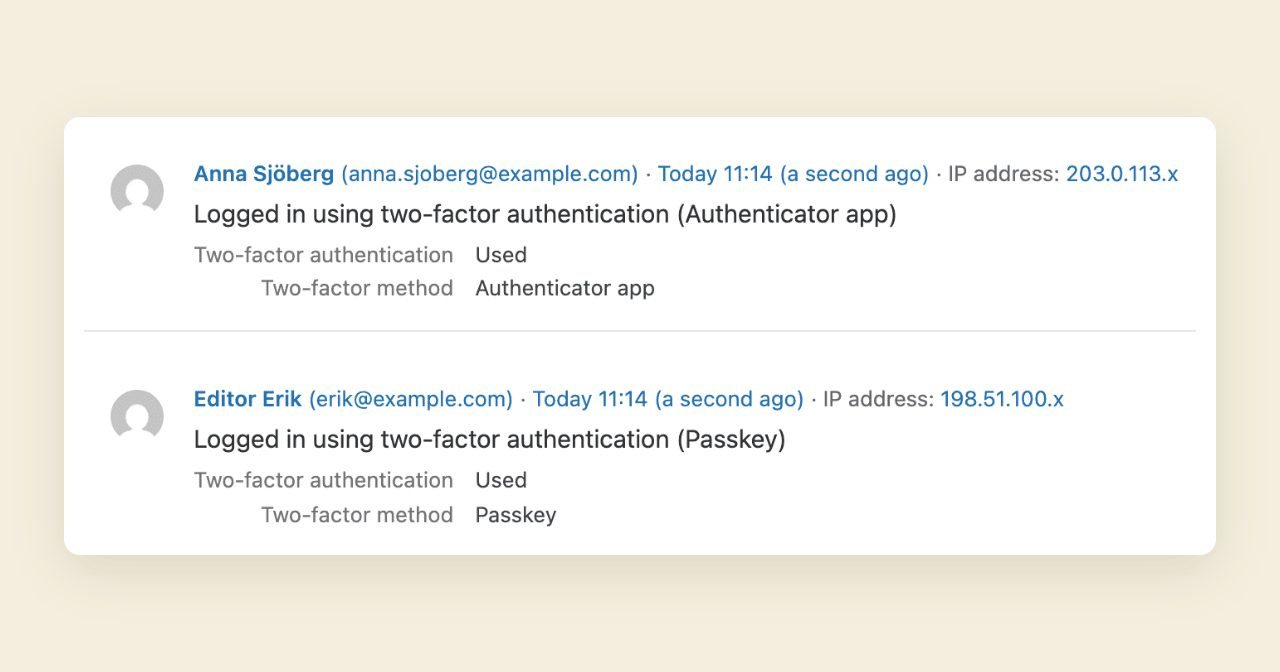
Simple History 5.35.0 logs two-factor logins when the code is accepted, shows IP addresses only to administrators, and adds privacy policy text.
-
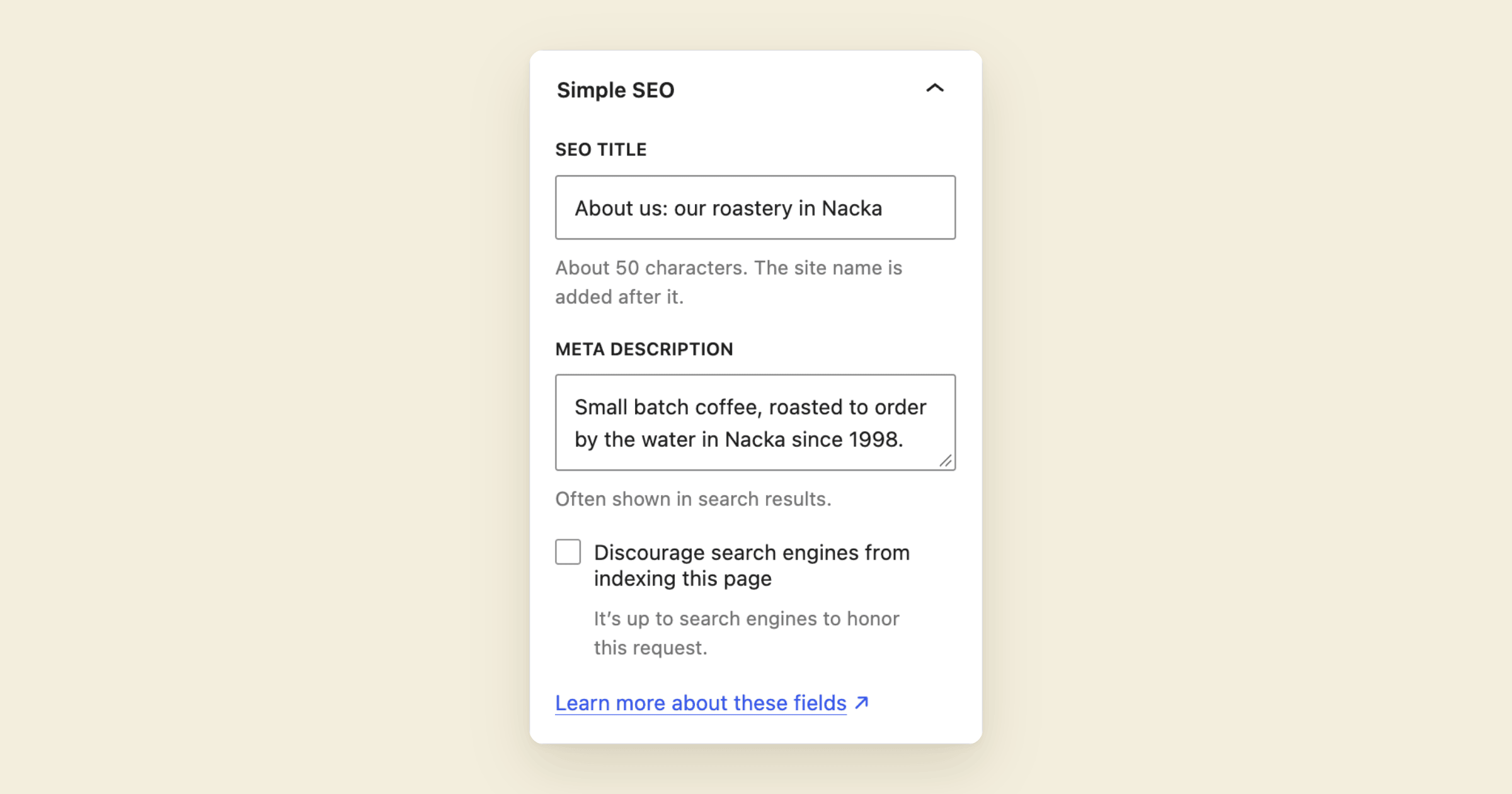
Simple SEO, a WordPress plugin I first released in 2010, is back after fourteen years: an SEO title, a meta description and a noindex checkbox, in both editors. No upsells, and easy for AI tools to work with.
-
Premium 1.16.0 adds a table view with advanced filtering, saved views and export to the WordPress activity log. Plus clearer weekly emails and security fixes.
-
Simple History 5.34.0 adds a compact view of the activity log and a button to hide the sidebar, both free. Premium adds a table view for digging into events.
-
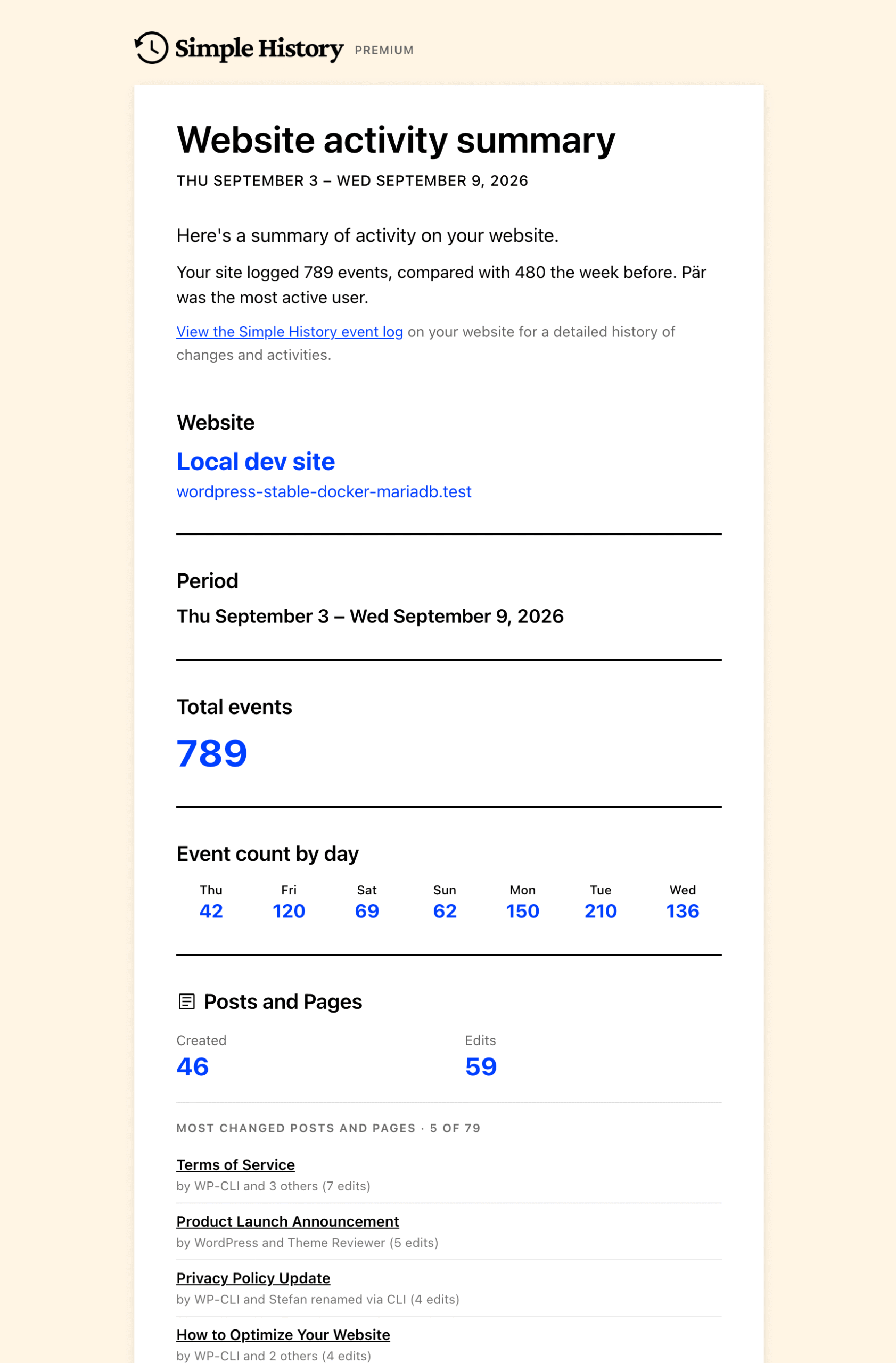
The weekly email now tells you how your week went in plain words, and every number links to its events. WordPress and visitor events are no longer credited to you, Redirection logging works again, and there is a security fix.
-
The weekly summary email gets a rewrite in the next version: a plain-language summary at the top, numbers that link straight into the filtered log, lists that tell you how much they are showing, and a cleaner layout with icons.
-
Long diffs expand in place, the revision link opens the exact revision a change created (visual view on WordPress 7.1), and failed application password logins no longer flood the log.
-
Premium 1.15.0 adds a Splunk channel for log forwarding, and fixes connection tests so they tell you what they actually tested. Send your activity log to Splunk If your team already watches logs in Splunk, WordPress can now go there too. Turn on the Splunk channel, paste your HTTP Event Collector URL and token, and…
-
If you use a block theme, the Site Editor has been a blind spot in your activity log. Not anymore. This release also adds support for the official WordPress AI plugin, so you can see which plugins and themes have been granted access to which AI providers. Plus a round of security hardening and the…