Blog with latest news and updates
-
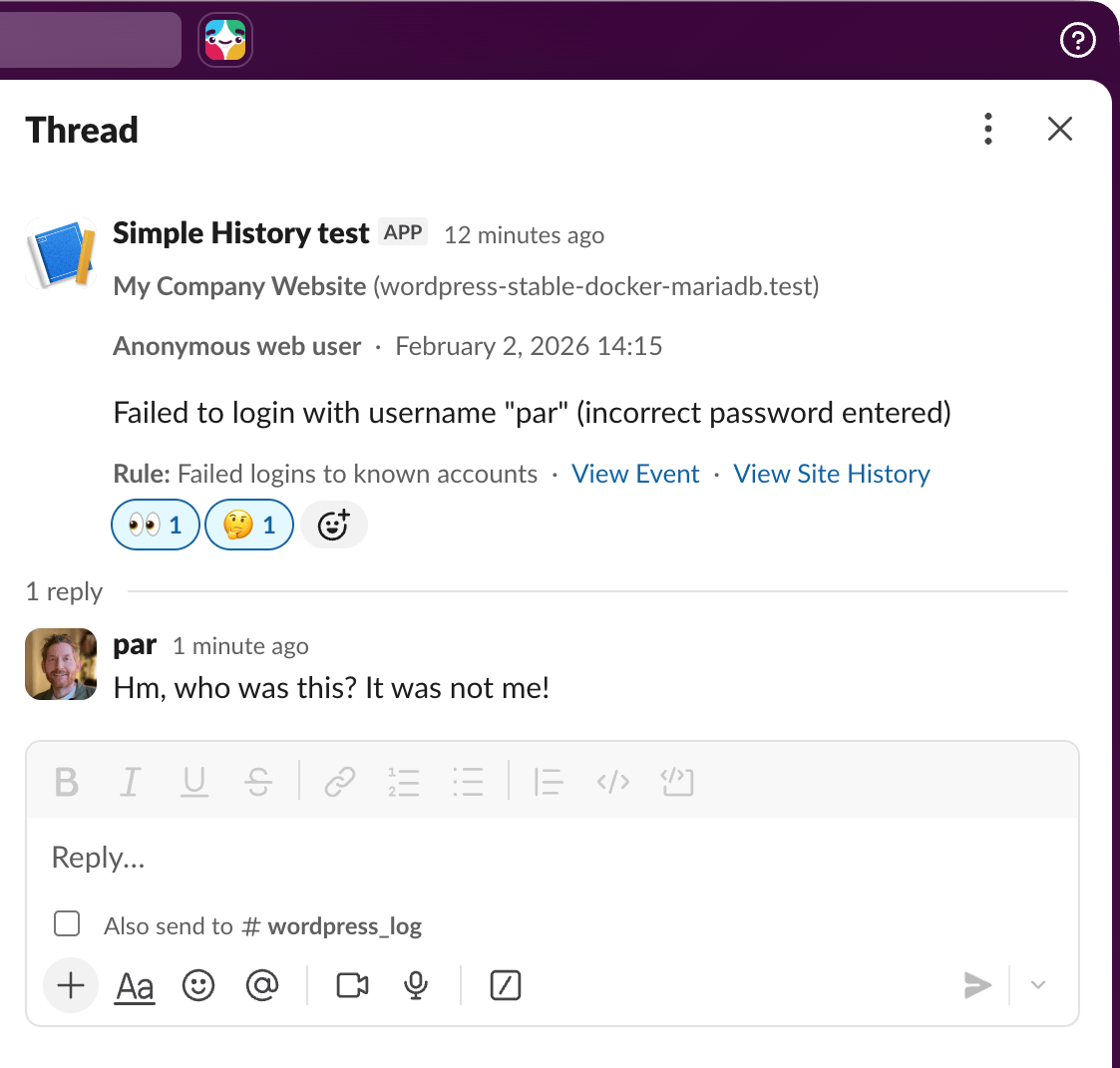
We are happy to be able to introduce Alerts in Simple History. Alerts are real-time notifications that tell you when something important happens on your WordPress site, delivered straight to Email, Slack, Discord, or Telegram. Alerts: Know What Happened Before It Becomes a Problem With alerts there is no need to constantly check the log
-
Simple History 5.23.0 brings better visibility into WordPress security updates, more granular failed login tracking, Notes statistics, and a batch of performance improvements that make the plugin faster on large sites. Detection of forced plugin updates WordPress sometimes pushes forced security updates for plugins — patches so critical they’re applied automatically, whether you opted in
-
Here is a little sneak peek of a new premium feature that we are working on: Alerts! The alerts feature will let you forward events to popular destinations like Email, Telegram, Slack and Discord. So first, what do we mean by “Alerts”? In Simple History alerts are selective, rule-based notifications that are triggered when specific
-
A week ago, on a local test website on mine, WooCommerce suddenly got updated. Now this was a bit strange since I do not have auto-update enabled for WooCommerce and I did not perform an update. This is how it looked in the Simple History log. Just like a regular plugin update. I had not
-
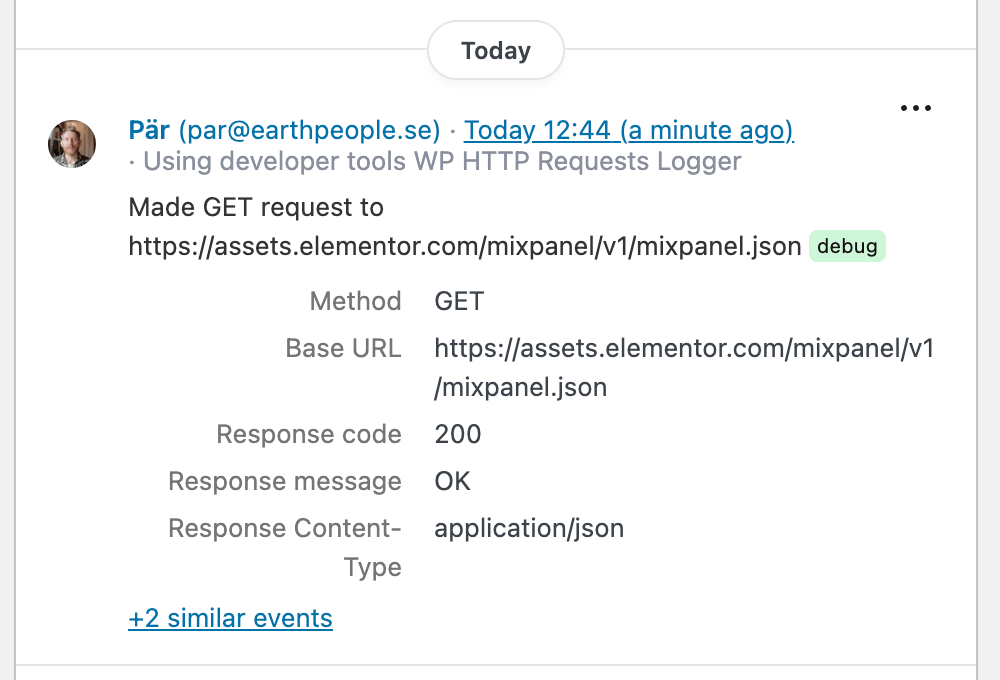
Did you know that according to the WordPress.org plugin guidelines, a plugin is not allowed to track a user without their consent. That’s a good rule that sometimes plugin authors break. Sometimes by accident, sometimes deliberately. So you can understand that this debug message in Simple History with the Debug & Monitor add-on installed caught
-
A small release, quickly released to hopefully fix the File_Channel not found errors that some users had. See the release post for 5.21.0 for more fun stuff, like Surrounding Events and support for logging to files, syslog, and external databases. Full changelog Added Fixed
-
Today we’re excited to announce that Simple History Premium 1.8.0 adds support for forwarding events to local syslog and remote syslog server and also to an external MySQL/MariaDB database. Whether you’re managing a single high-traffic site or overseeing dozens of WordPress installations across your organization, this release gives you the tools to centralize your logs,
-
Simple History 5.21.0 is now available. This release introduces two powerful debugging features: the new “Surrounding Events” viewer lets you see what happened before and after any event, and Log Forwarding (beta) enables you to send your activity logs to local log files and external destinations for backup, compliance, and security purposes. Whether you’re debugging
-
Your WordPress activity logs are about to get a whole lot more useful. I’ve had the same requests from users for a while now. Just last week I was in a video conference with a client who wanted to send their logs to GrayLog. So I’m excited to share what I’ve been working on for
-
In the just released WordPress 6.9 there is a new feature that makes it possible for users to hide blocks. It’s a convenient feature to use when you want to hide a block for a period of time instead of deleting it completely. In this post we’ll show you how you can detect such block