
The next version of WordPress (WP 6.9) will extend the already useful Command Palette to be available on all screens – meaning you can quickly navigate to your site history with only your keyboard from any admin page.
This is how it works:
- Press CMD+K (on Mac) or Ctrl+K (on Windows) to bring up the Command Palette
- Enter “History” or “Log” to quickly filter the palette to show nav items related to Simple History
- Press up/down on your keyboard to get to your wanted item
- Press enter to go to the selected item
- Tada!
It has never before been so easy and quick to view your site history :).
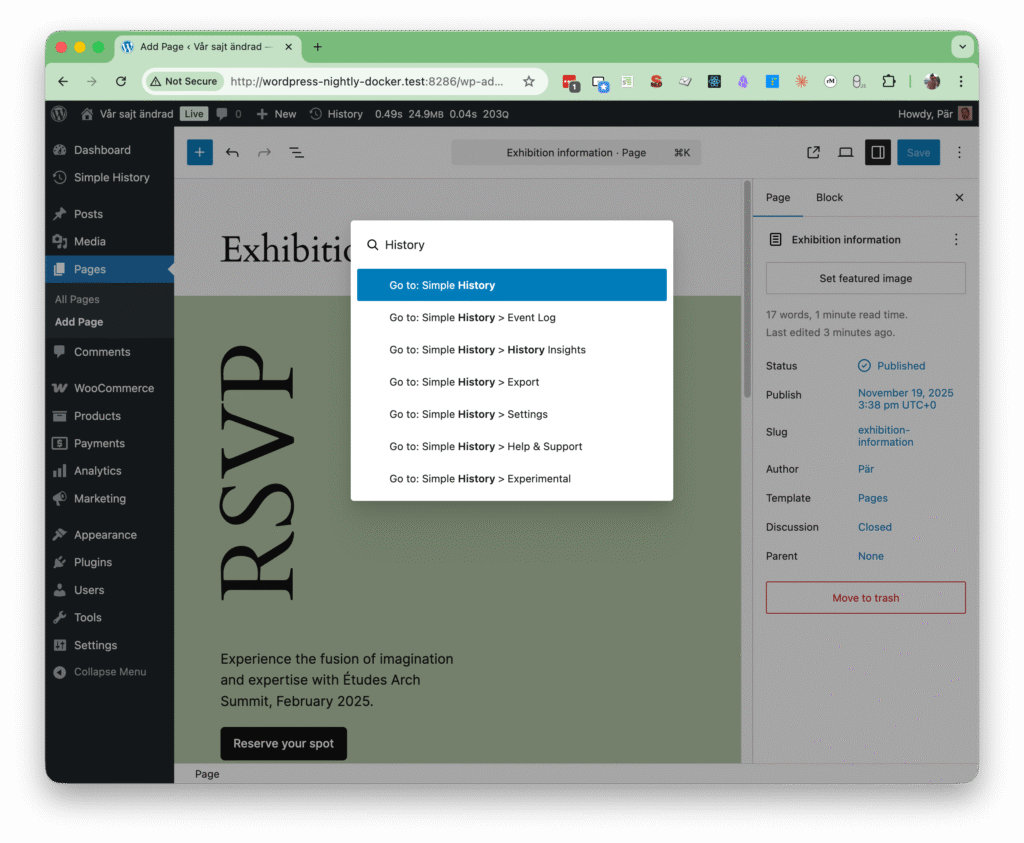
Command Palette (Press Ctrl+K or Command+K anywhere in the dashboard to use the command palette) is available across both the Editor and the Dashboard, making navigation and actions faster and easier. Simply type in the Command Palette to search, jump to specific screens, or trigger actions directly.
From the WordPress 6.9 beta post