
An activity log tells you what happened on your WordPress site. Alerts tell you while it is happening — a Slack message the moment someone deactivates a plugin, an email when an editor deletes a page, a Telegram note when logins start failing in bulk.
Alerts are part of Simple History Premium. You set up rules once and they run in the background; nothing needs to be open and nobody needs to remember to check.
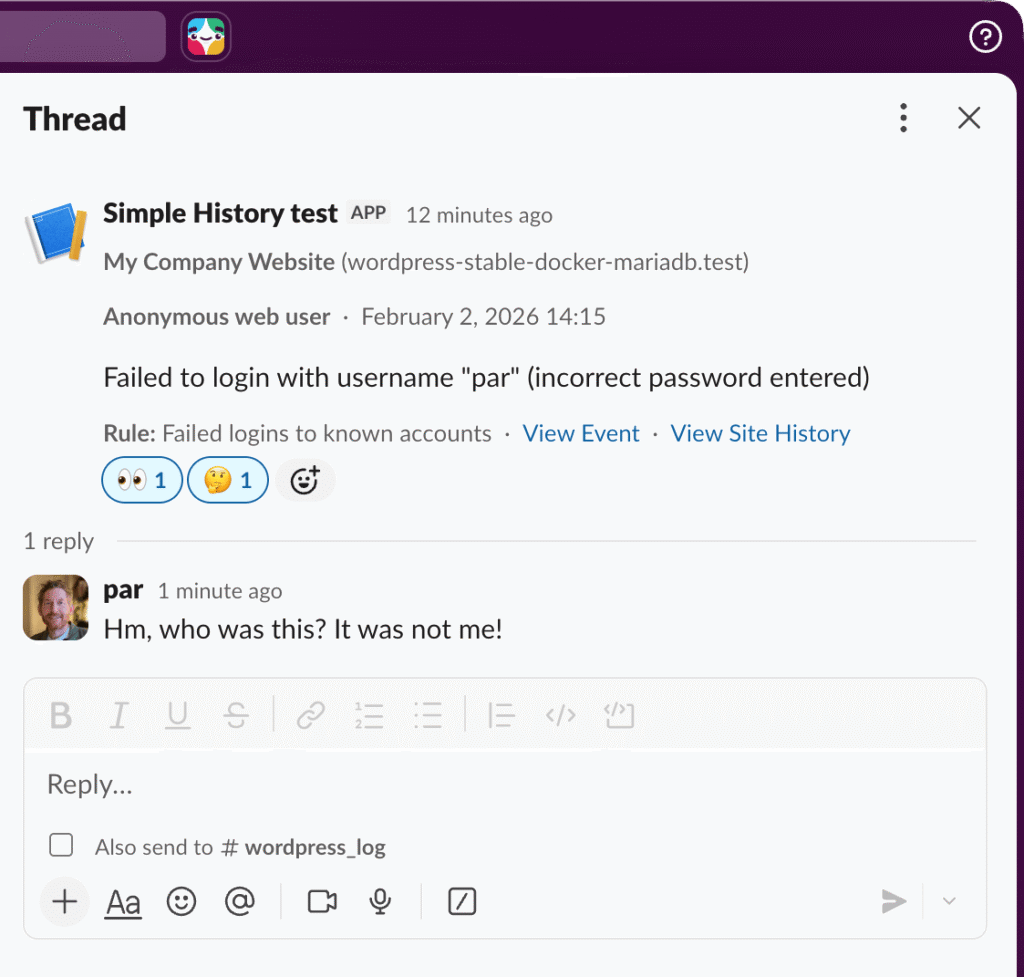
Where alerts can go
Four destinations, all built in:
- Slack — post into any channel via an incoming webhook
- Discord — same idea, for teams that live there instead
- Telegram — straight to your phone, useful when you want to be woken up
- Email — to one address or several
Destinations are reusable. Configure your #alerts Slack channel once and point as many rules at it as you like, or send security events to Slack and content changes by email to the editorial team — whatever matches how your team actually works.
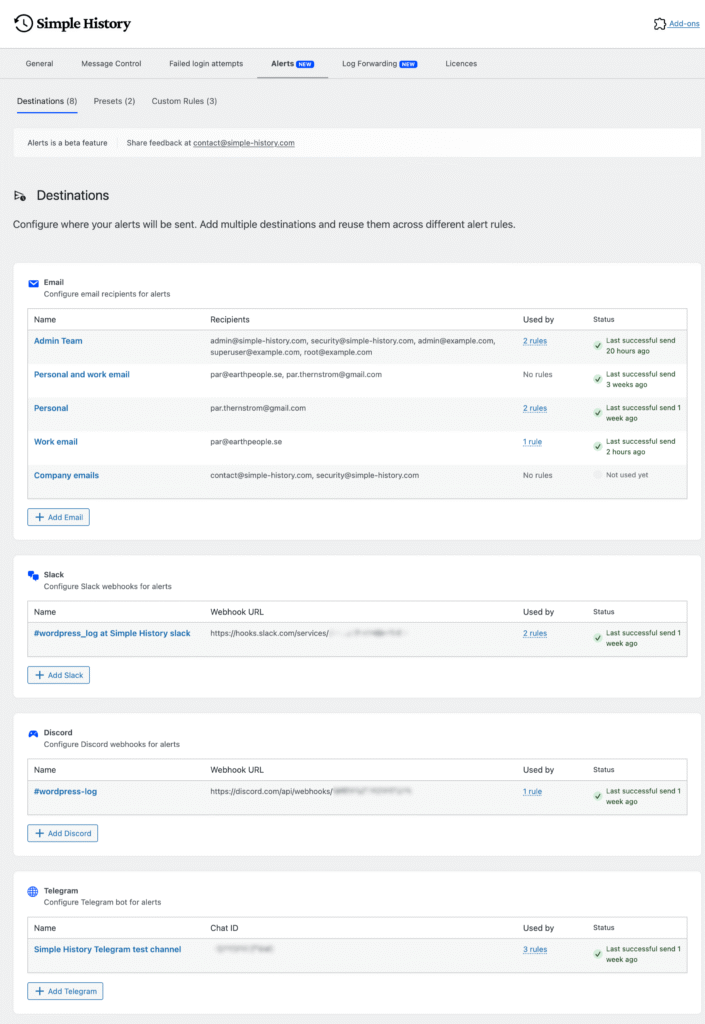
Two ways to build a rule
Presets, for the common cases
Pick a scenario, choose where it should go, done. The presets cover the things most people want to hear about: security events, content changes, and plugin activity.
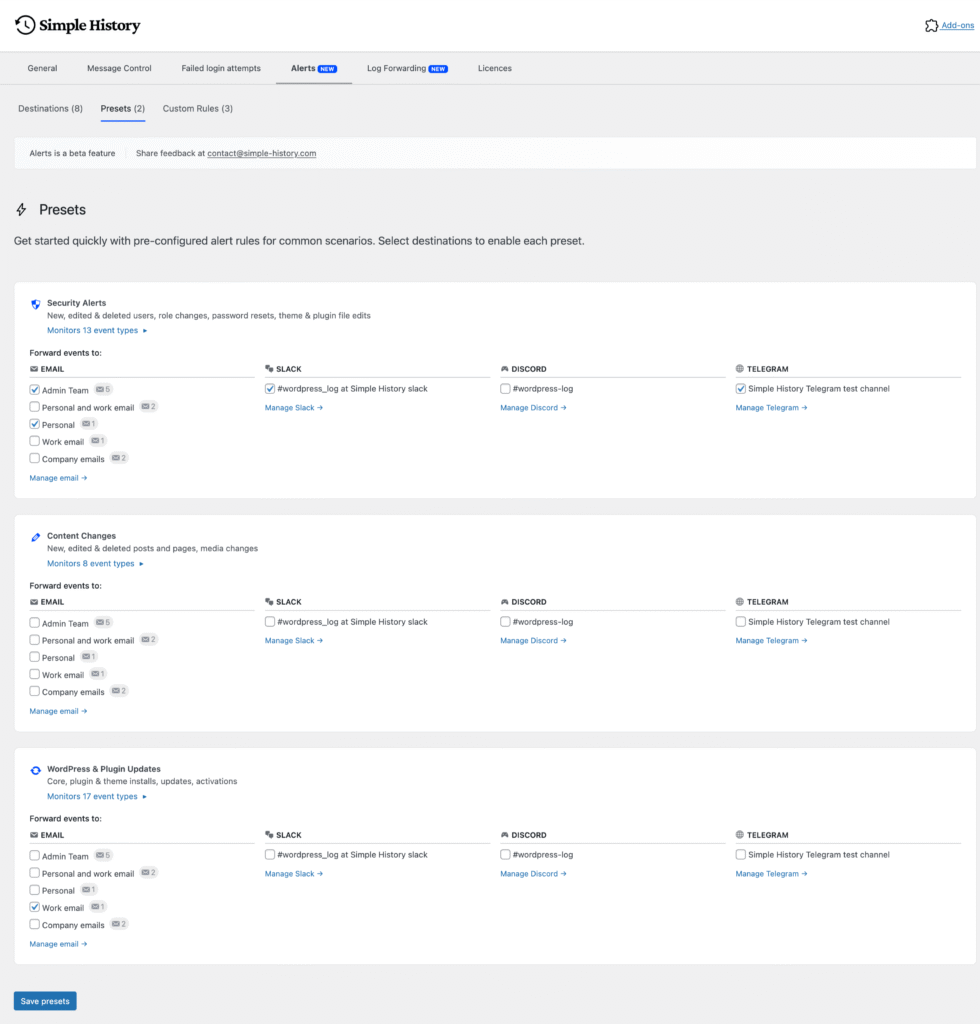
Custom rules, for everything else
The visual rule builder lets you combine conditions until the alert fires on exactly what you care about, and nothing else:
- Which kind of event it is, and which logger produced it
- The role of the user who did it
- How serious the event is
- A specific post or page, by ID — useful for the handful of pages that must never change quietly
- Text in the message: contains, does not contain, begins with, ends with
There is also a shortcut worth knowing. Filter the activity log down to the events you care about, then turn that view straight into an alert rule with one click — the conditions come across already filled in, so you never re-enter them by hand.
Setting it up
With Simple History and Premium both active, go to Simple History → Settings → Alerts. Add a destination, add a rule, and send a test to check it arrives. Most people are done in a couple of minutes.
If you would rather script it, alerts are fully available from the command line and over HTTP:
wp simple-history alerts destinations— list and manage where alerts gowp simple-history alerts rules— list and manage the rules themselveswp simple-history alerts test— fire a test alert/wp-json/simple-history/v1/alerts/— the same thing over the REST API
Common questions
Can Simple History send a Slack message when something changes in WordPress?
Yes. Add a Slack destination using an incoming webhook URL from your workspace, then point one or more alert rules at it. Messages arrive in the channel within seconds of the event being logged.
Will I get flooded with notifications?
Only if you ask to be. Rules are opt-in and specific — you choose which events qualify. Most people start with one narrow rule, such as plugin deactivations or failed logins, and add more once they see the volume.
Does this need an external service?
No. The rules live in your own WordPress database and run on your own site. The only thing that leaves is the alert message itself, sent to the destination you configured.
Do alerts work on multiple sites?
Yes, and it is one of the better reasons to use them. Each site sends its own alerts, so an agency can point twenty sites at one Slack channel and see everything in one place.
What does it cost?
Alerts are included in Simple History Premium, which starts at $79 a year for a single site with volume pricing for agencies. There is a 30-day money-back guarantee.
Get alerts on your site
$ 79
/year
- Billed annually
- Options available:
- 1 site: $79/year
- 5 sites: $199/year ($39.80 per site)
- 10 sites: $299/year ($29.90 per site)
- 50 sites – $499 ($9.98 per site)
- 500 sites – $1199 ($2.40 per site)
| Version: | 1.16.0 |
| Last update: | September 2026 |
What’s included
- Premium Plugin
- 1-year of plugin updates (includes new features & security updates)
Version history
- See releases archive
Requirements
- WordPress 6.3 or higher
- Simple History 5.34.0 or higher
- PHP 7.4 or higher