
Click any name in your activity log and you get the full picture of that user — what they’ve changed, when they last logged in, and from where. No tab-switching.
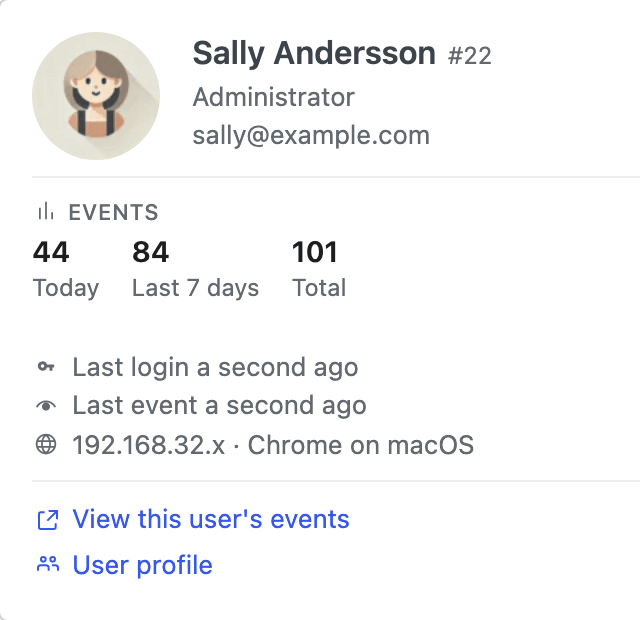
A hover card for every name
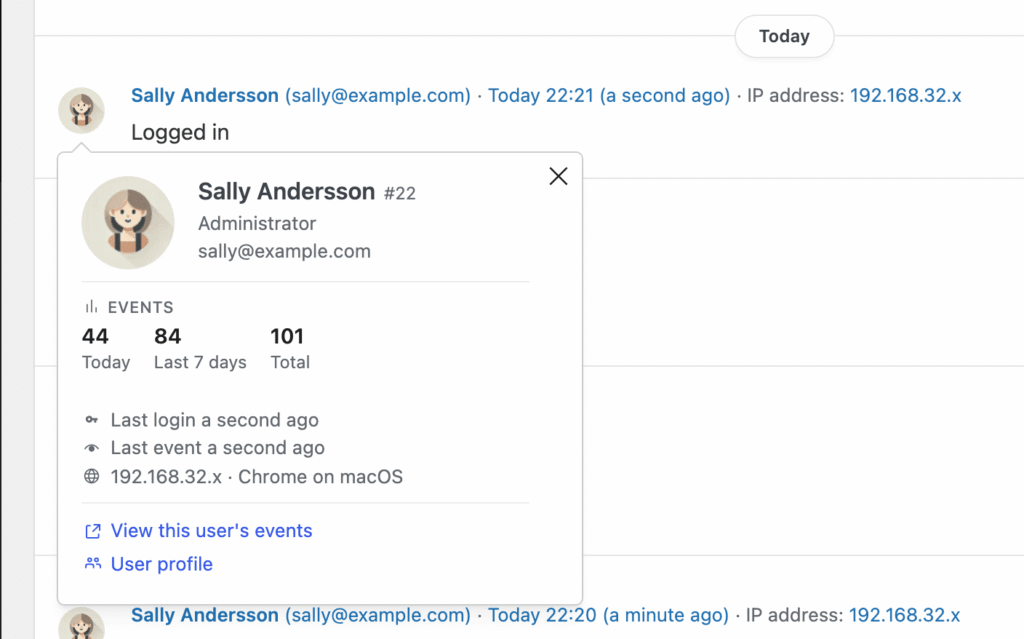
You spot a name in the activity log and want to check something — their role, their email, when they last logged in. Think of User Glance as a hover card for every name in the log: click any avatar to see all of that plus recent activity, the IP they last signed in from, and a one-click link to filter the log to just them.
Free vs Premium
User Glance ships with the free plugin. Premium adds the activity details.
In the free plugin
- Identity at a glance: avatar, name, role, and email.
- A direct link to edit the user in WordPress.
Premium adds
- Last login and last event times — at a glance, was this user active five minutes ago or last week?
- IP and browser from their most recent login — so a login from a new laptop or country jumps out.
- Event counts for today, the last 7 days, and all time.
- “View this user’s events” — one click to filter the activity log down to just this person.
- The same activity details on WP-CLI, anonymous web users, WordPress core, and other initiators — not just human users. Useful when something automated misbehaves.
Simple History Premium starts at $79/year for a single site. Used on 300,000+ WordPress sites, rated 4.9★ across 490+ reviews.
Also in Simple History Premium
User Glance is one of many things you get when you upgrade. A few of the others:
- Weekly email reports — a digest of everything that happened on your site this week, delivered straight to your inbox.
- Post Activity Panel — see every edit, comment, and status change for a post right inside the post editor.
- Stats and summaries — visual breakdowns of activity by day, week, user, and event type.
- Stealth Mode — hide Simple History from other admins on the site, so the log keeps recording without anyone knowing it’s there.
$ 79
/year
- Billed annually
- Options available:
- 1 site: $79/year
- 5 sites: $199/year ($39.80 per site)
- 10 sites: $299/year ($29.90 per site)
- 50 sites – $499 ($9.98 per site)
- 500 sites – $1199 ($2.40 per site)
| Version: | 1.16.0 |
| Last update: | September 2026 |
What’s included
- Premium Plugin
- 1-year of plugin updates (includes new features & security updates)
Version history
- See releases archive
Requirements
- WordPress 6.3 or higher
- Simple History 5.34.0 or higher
- PHP 7.4 or higher